

Dreamdrive for ComfyUI
Updated
Every ComfyUI image you keep, with the prompt that made it.
What ComfyUI is used for
People use ComfyUI for node-based workflows on your own machine.
What Dreamdrive captures on ComfyUI
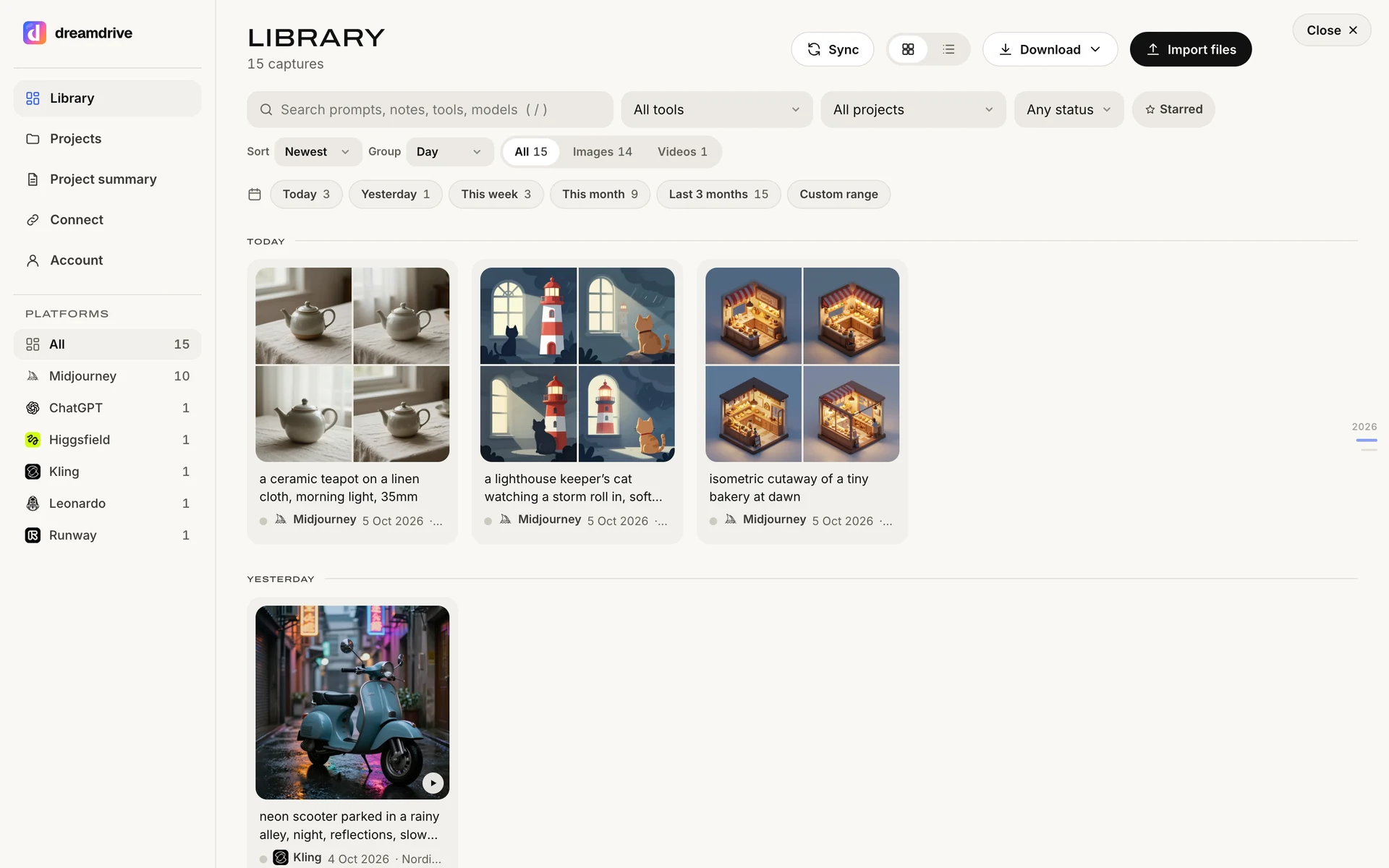
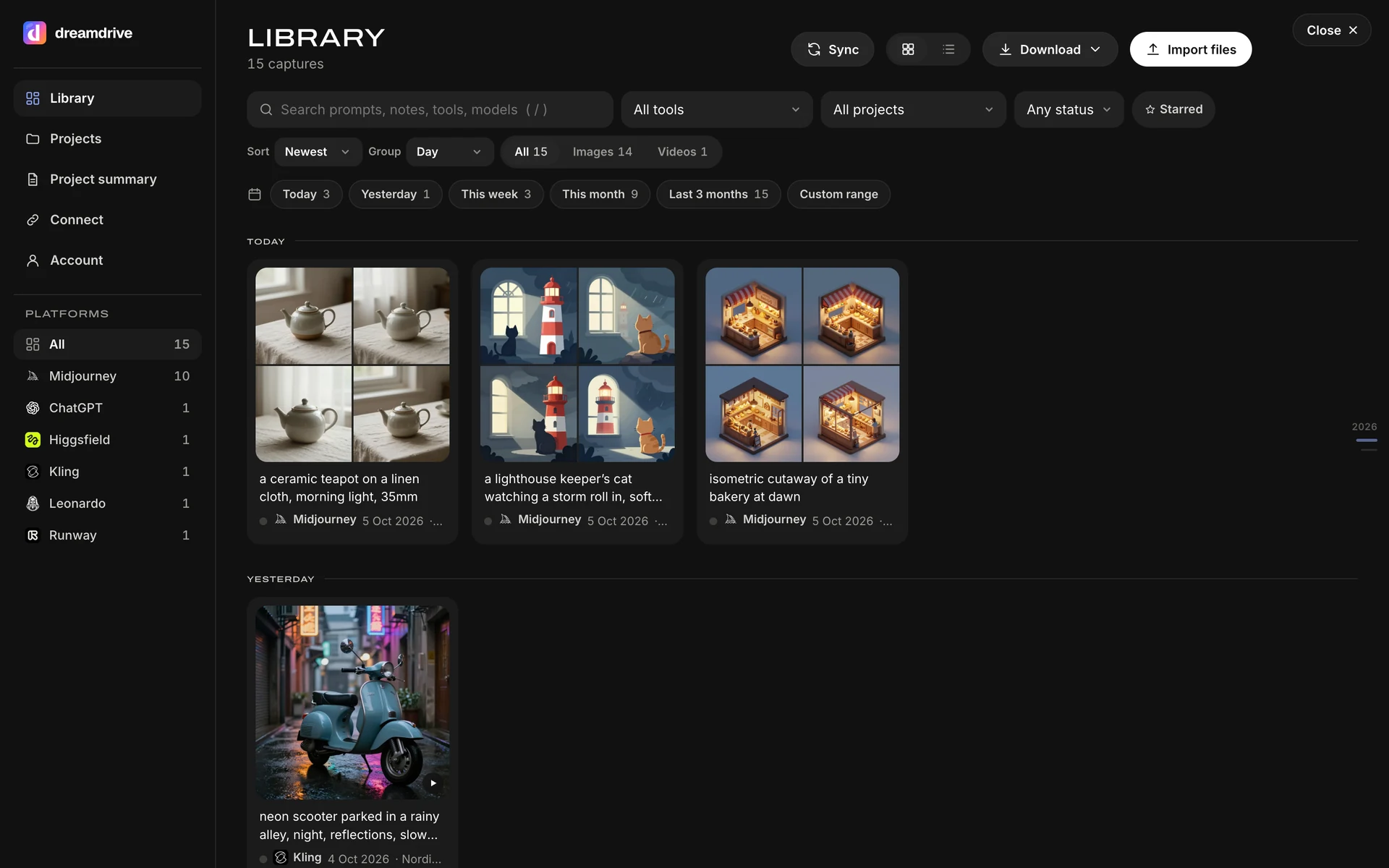
ComfyUI runs on your computer, so there is nothing to connect: drop the files into Dreamdrive and the prompt and settings embedded in them are read on your machine. Hover-save and right-click work on any web page as well.
On Pro and the 14-day trial the image itself is stored on Dreamdrive at the resolution ComfyUI delivered it, in the EU, 50 GB included. Free stores them too, up to 2 GB, and shows the last 90 days. On every plan a copy can also be saved on your computer. Every field is marked auto, file or manual so you and your client know how it was obtained.
How to set it up
- Open your ComfyUI filesExport or locate the files on your computer.
- Import themDrop them into the Library. Embedded prompts and settings are read locally.
- Sort and hand overMove them into a client project and share the Project summary.
Questions
Does Dreamdrive change anything on ComfyUI?
What exactly is saved from ComfyUI?
Is Dreamdrive affiliated with ComfyUI?
Learn ComfyUI
Quickstart, settings cheat-sheet and the most-asked questions, in the Learning Centre: ComfyUI.
- ComfyUI Workflow Metadata: Save and Reload from PNG 5 min read
- ComfyUI Beginners Guide: Nodes, KSampler and First Image 4 min read
Also works with
Platform logos belong to their owners and are shown to say where Dreamdrive works. Dreamdrive is independent and not endorsed by any of them.
Free plan, 14 days of Pro to try, no card.